Requirements
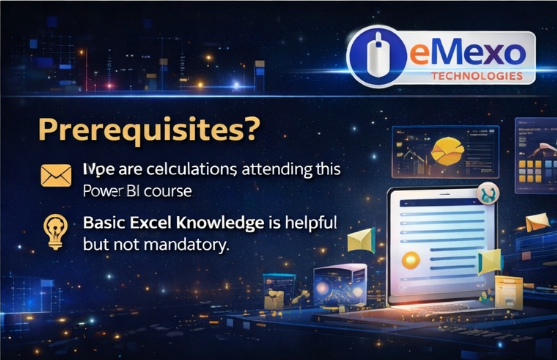
- Basic computer knowledge
- Familiarity with Microsoft Excel is helpful
- Interest in data analytics and reporting
- No programming knowledge required
Features
- 100% job-oriented Power BI training
- Real-time projects and case studies
- Industry-experienced trainers
- Hands-on practical sessions
- Interview preparation support
- Resume building assistance
- Certification guidance
- 100% placement assistance
- Classroom and online training options
Target audiences
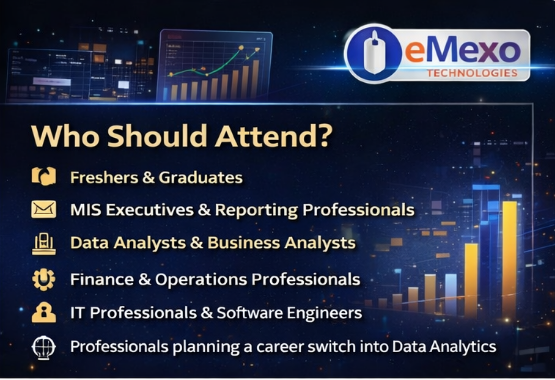
- Students and fresh graduates
- Working professionals
- Excel users and MIS executives
- Business analysts
- Anyone interested in data analytics or business intelligence
Course Overview






Power BI Certification
Your certification towards a successful career.

Rahul Shetty
Cognizant
Rahul Shetty
Cognizant

Rupali Sharma
Infosys
Rupali Sharma
Infosys

Taniya Tom
Wipro
Taniya Tom
Wipro

Rakesh
Infosys
Rakesh
Infosys






















Course Content
Viz and Tiles
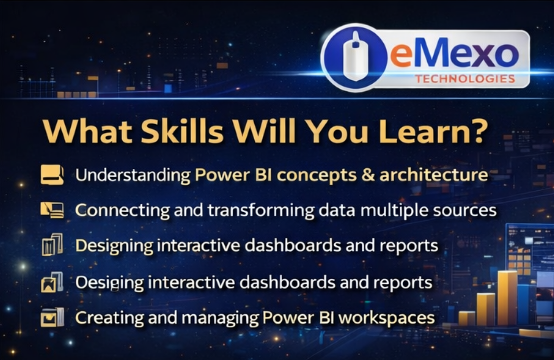
- Overview: Visualizations
- Using visualizations
- Create a new report
- Create and arrange visualizations
- Format a visualization
- Create chart visualizations
- Use text, map, and gauge visualizations and save a report
- Use a slicer to filter visualizations
- Sort, copy, and paste visualizations
- Download and use a custom visual from the gallery
- Hands-On
Reports and Dashboards
- Modify and Print a Report
- Rename and delete report pages
- Add a filter to a page or report
- Set visualization interactions
- Print a report page
- Send a report to PowerPoint
- Create a Dashboard
- Create and manage dashboards
- Pin a report tile to a dashboard
- Pin a live report page to a dashboard
- Pin a tile from another dashboard
- Pin an Excel element to a dashboard
- Manage pinned elements in Excel
- Add a tile to a dashboard
- Build a dashboard with Quick Insights
- Set a Featured (default) dashboard
- Ask Questions about Your Data
- Ask a question with Power BI Q&A
- Tweak your dataset for Q&A
- Enable Cortana for Power BI
- Hands-On
Other Power BI Components and Table Relationship
- Use Power BI Mobile Apps
- Get Power BI for mobile
- View reports and dashboards in the iPad app
- Use workspaces in the mobile app
- Sharing from Power BI Mobile
- Use Power BI Desktop
- Install and launch Power BI Desktop
- Get data
- Reduce data
- Transform data
- Relate tables
- Get Power BI Desktop data with the Power BI service
- Export a report from Power BI service to Desktop
- Hands-On
FAQs
The Power BI course typically lasts 4 to 6 weeks, depending on the batch type and schedule.
No, coding knowledge is not required. Basic computer and Excel knowledge is enough.
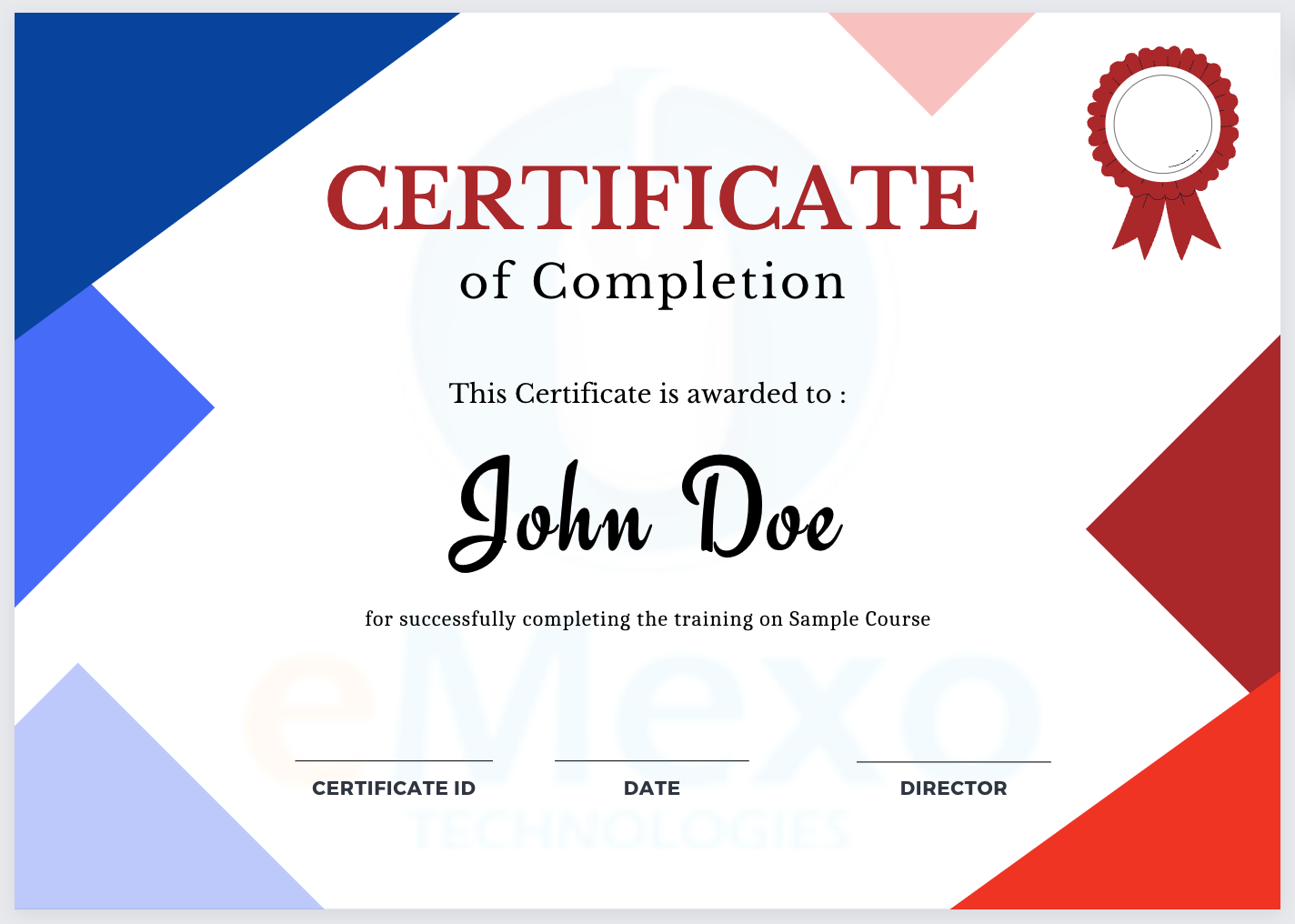
Yes, you will receive a Power BI course completion certificate from eMexo Technologies.
Yes, we provide 100% placement assistance including resume support and interview preparation.
Yes, both students and working professionals can join. Weekend and flexible batches are available.
Yes, the course includes hands-on training with real-time business datasets and projects.